NIST Cybersecurity Framework Explained for Small Business Owners
The Quiet Danger Small Business Owners Don’t See
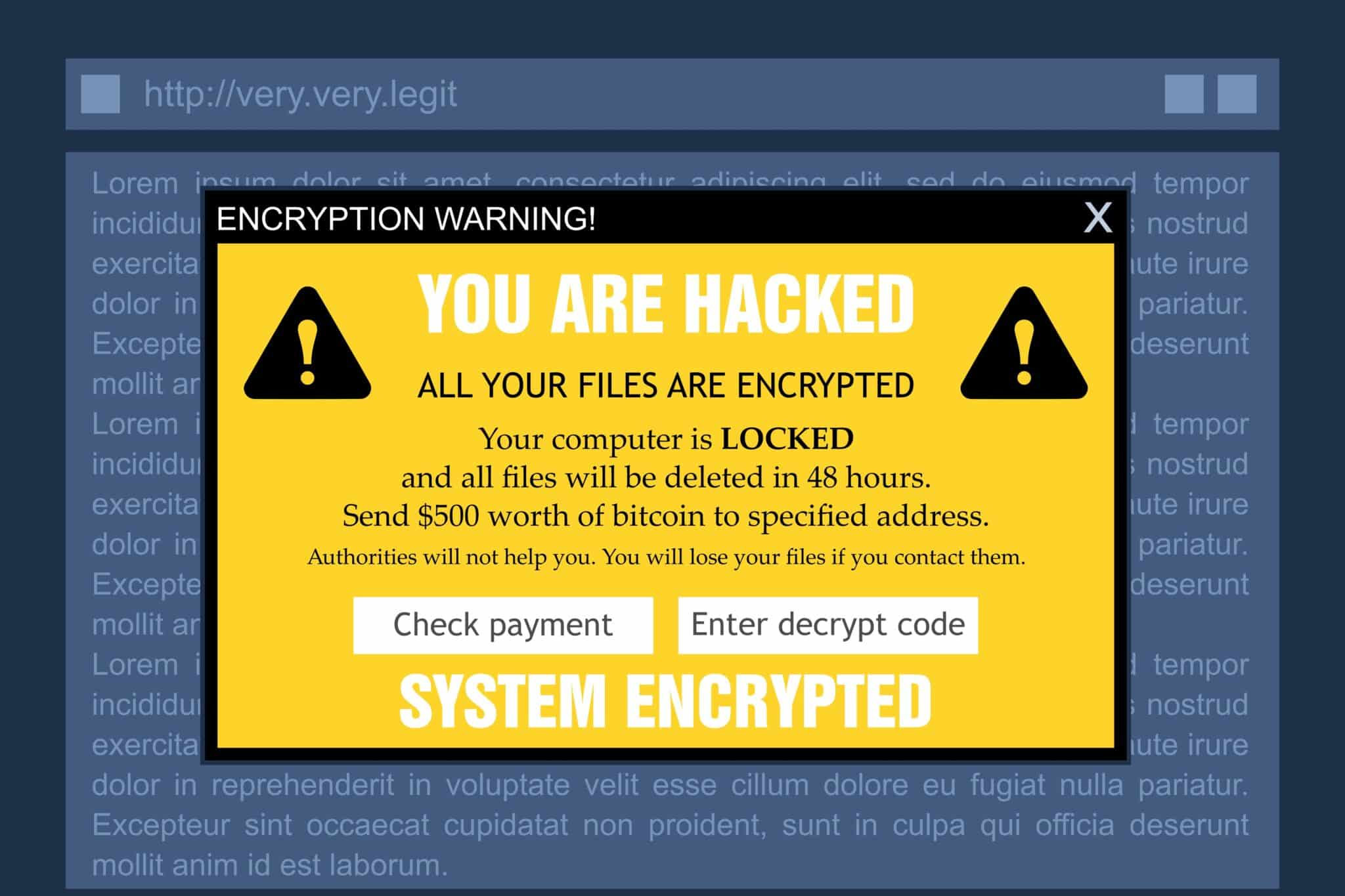
You didn’t open a bakery to become a security expert. You didn’t start a plumbing business to read federal cybersecurity documents. Yet here you are. A customer’s credit card data leaked. A strange email locked your invoicing files. Your insurance agent asked if you follow the NIST framework and you nodded, then searched it on your phone under the desk.
The truth is, the NIST Cybersecurity Framework sounds like something meant for defense contractors and hospital networks. It carries a government acronym and a reputation for complexity. But underneath the jargon, the framework is simply a way to think clearly about protecting what you have built. It gives you a common language to talk about risks, and it helps you make smart decisions without a technical degree. For a small business in 2026, understanding this framework is not about passing a government audit. It is about sleeping better, knowing you did the reasonable things.
Why the NIST Framework Was Built for the Rest of Us
The National Institute of Standards and Technology released the Cybersecurity Framework in 2014. It grew from an executive order meant to protect critical infrastructure, but the creators designed it to scale. A corner coffee shop and a regional power utility can use the same structure. They just fill it in differently.
What makes the NIST CSF unique is that it speaks in outcomes, not products. It doesn’t say “buy this firewall.” It says “you need to control who accesses your network.” How you achieve that is up to your budget and your needs. For a small business owner, this flexibility is a relief. You are not forced into a one-size-fits-all checklist. You get a set of principles you can apply with a spreadsheet, a few honest conversations, and a willingness to improve step by step.
From Pentagon to Main Street
The framework’s origins might seem distant, but its structure is remarkably human. It breaks security down into five core functions: Identify, Protect, Detect, Respond, and Recover. You can think of them as the rhythm of safety. First, know what you have. Then put barriers around it. Watch for things that slip through. Have a plan when something breaks. And get back on your feet afterwards. That logic applies whether you secure military secrets or a customer loyalty program database on a laptop.
The Five Core Functions That Actually Make Sense
These five words sound abstract until you connect them to your daily operations. Let’s walk through each one and ground it in the kind of work a small business does.
Identify: Know What You’re Protecting Before You Can Defend It
You can’t protect something you don’t know exists. The Identify function asks you to take stock of your digital world. What devices connect to your network? What software do you run? Who has access to what? Where do you store sensitive information like customer details, employee records, or payment data?
For a small business, this is a Saturday afternoon activity. Grab a notepad. List every laptop, desktop, tablet, and phone used for work. Include the point-of-sale terminal, the Wi-Fi router, the network printer. Note what data lives on each device. Ask your bookkeeper where the bank credentials sit. This inventory can feel tedious, but it often reveals surprises. You might discover an old laptop still logged into your payroll service, sitting in a closet.
Protect: The Simple Safeguards That Stop Most Attacks
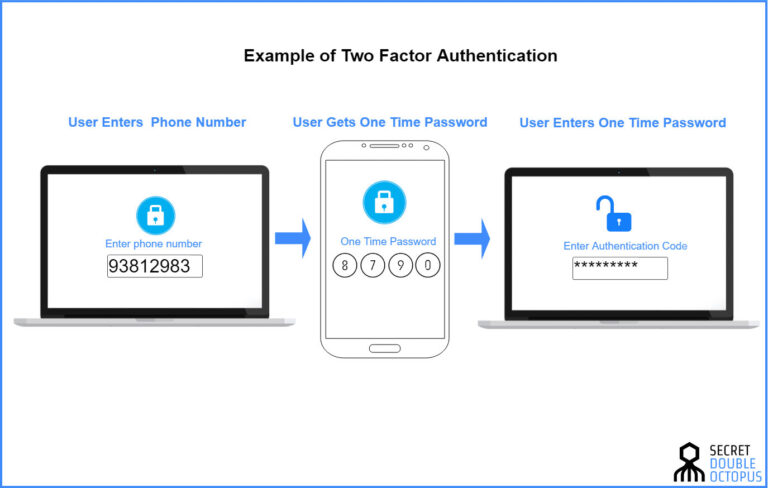
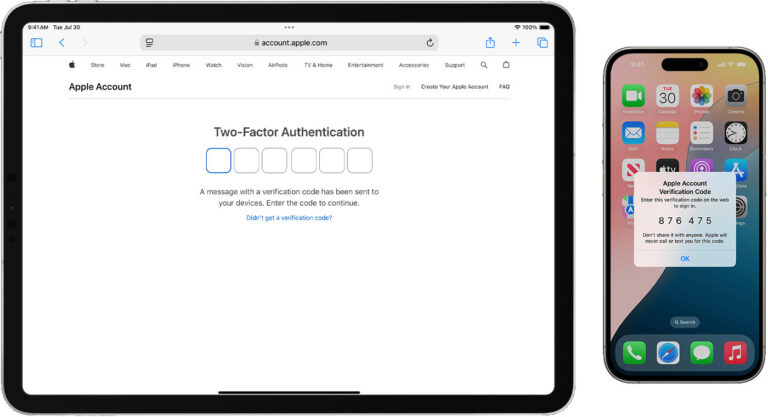
Once you know what you have, you put reasonable protections around it. The Protect function covers things like access controls, encryption, security awareness, and maintenance. For a small business, this is where you turn on multi-factor authentication on email and financial accounts. You encrypt hard drives on laptops that leave the office. You set computers to lock automatically after a few idle minutes. You train your team to recognize a phishing email.
These steps are not expensive. Most of them come built into the tools you already use. The barrier is awareness, not cost. When you look at the Protect function as a series of small, consistent habits rather than a giant project, it becomes manageable. The goal is to make your business a harder target than the next one, because attackers usually go for the easiest door.
Detect: How to Spot Trouble Before It Explodes
Protection layers sometimes fail. A clever phishing email gets through. An employee plugs in a compromised USB drive. The Detect function is about noticing that something is wrong, and noticing it quickly. For a small business, this can mean checking bank and credit card statements weekly for unusual transactions. It means glancing at the antivirus console once a month to see if any threats were blocked. It means paying attention when your computer suddenly runs slow or your browser homepage changes without reason.
Detection does not require a twenty-four-hour security operations center. It requires a curious mind and a routine. Some small businesses set up simple alerts. Your payment processor can notify you of logins from new locations. Your email provider can flag forwarding rules you didn’t create. These little signals, when someone actually looks at them, catch incidents days or weeks earlier.
Respond: The Plan for When Things Go Wrong
An attack happens. Your files are locked. A customer data spreadsheet was emailed to the wrong person. The Respond function covers what you do in the moment. It asks: Who do you call? What steps do you take first? How do you stop the damage from spreading?
Many small business owners freeze. Not because they lack intelligence, but because they never thought through the scenario. A response plan can fit on a single page. List your key contacts, including your IT support person, your bank, your insurance agent, and your lawyer. Outline the first three steps: disconnect the affected device from the network, change critical passwords, document what happened. Having this paper in a drawer, even handwritten, cuts through the panic when the real moment arrives. You don’t rise to the occasion. You default to your level of preparation.
Recover: Getting Back to Business Without Panic
After the immediate fire is out, you need to rebuild. The Recover function is about restoring services, talking to affected customers, and learning from what happened. For a small business, this means having tested backups. Not just backups that ran, but backups you have actually practiced restoring. It means knowing how to reinstall your point-of-sale software and reload the latest clean data.
Recovery also includes communication. If customer information was exposed, you may need to notify them and offer credit monitoring. If your reputation took a hit, you might need to post a transparent explanation on your website. A business that recovers well often keeps its customers. A business that hides or delays often loses them. The framework treats recovery as a planned activity, not an afterthought, because it is the bridge back to normal.
Tiers and Profiles: Not as Scary as They Sound
Beyond the five functions, the framework introduces tiers and profiles. Tiers describe how mature your security processes are, from partial and reactive to adaptive and proactive. Most small businesses operate at tier one or two. That is fine. You do not need to reach the top tier. You only need to understand where you stand and where you want to be.
A profile is simply a snapshot of your current state compared to your target state. You pick the outcomes that matter for your business. A bakery that only takes in-person payments has a different profile than an online vintage clothing store that ships nationwide. The profile helps you focus on what is relevant. It also gives you a way to show an insurer or a business partner that you are thoughtful about security, even if you lack a formal IT department.
How to Apply the Framework Without a Security Team
The framework only helps if you use it. Applying it does not require a certification. It requires a few deliberate steps.
Start with a One-Hour Conversation
Gather your team, even if your team is just you and one other person. Walk through the five functions. Ask simple questions for each one. What do we have that matters? How do we protect it? How would we know if something went wrong? What would we do? How would we recover? Write down the answers, even if they are messy. The conversation itself raises awareness. That alone is worth the time.
Pick One Function to Improve This Week
Do not try to fix everything at once. Look at your notes and choose the weakest area. If you have never made a list of devices, start with Identify. If you lack multi-factor authentication, tackle Protect. If you have no backup, focus on Recover. A single improvement each month compounds. Over a year, you transform from a business that just hopes nothing bad happens to one that actively manages its risk.
Use the Framework to Talk to Your Banker or Insurer
When your cyber insurance application asks about your security program, the NIST framework gives you a structure to describe it. You can say, “We follow the NIST CSF, we have completed an asset inventory, we enforce multi-factor authentication, and we test backups quarterly.” That answer is specific and credible. It can lower your premium and build trust. The framework also helps when a client asks about your data protection practices. Instead of a vague promise, you offer a recognized standard.
A Real Small Business Story
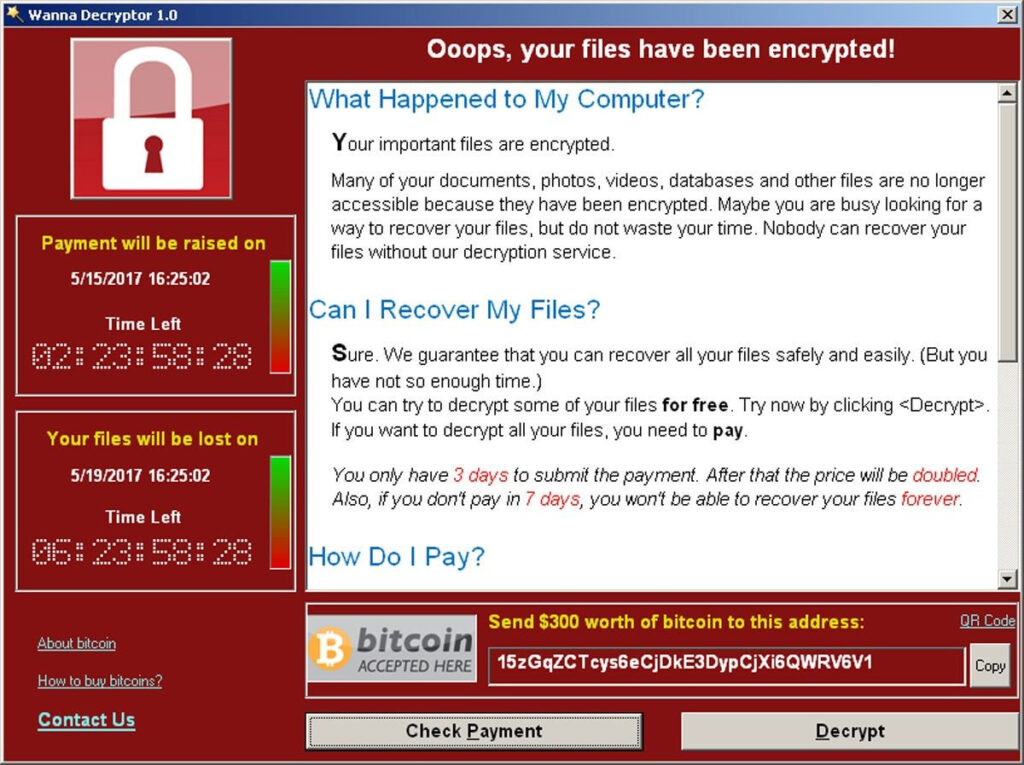
A family-owned hardware store with eight employees suffered a ransomware attack through a phishing email. Their inventory system locked up. Their customer order history disappeared. They had no framework, no plan, and no tested backups. The recovery took three weeks. They paid a ransom they couldn’t afford. They lost two commercial clients who needed reliable deliveries.
After the incident, the owner sat down with a one-page NIST CSF summary. He realized that Identify would have told him to inventory the old server holding order history. Protect would have prompted email filtering and staff training. Detect would have flagged the unusual file encryption activity. Respond would have had a phone number to call. Recover would have meant offline backups. The framework didn’t prevent the first attack, but it made sure the second one, which came a year later, was stopped within hours with no data lost.
Common Misconceptions That Hold Owners Back
Some small business owners assume the NIST framework is only for tech companies. In reality, a florist with an online ordering system needs it as much as a software startup. Others believe compliance requires expensive consultants. It doesn’t. The framework is free to download, and many non-profits offer simplified guides. Another myth is that the framework is a one-time checklist. It is not. It is a cycle of continuous improvement, but that cycle can move as slowly as your schedule allows.
Perhaps the biggest misconception is that doing a little is pointless unless you do everything. This is harmful and untrue. Turning on multi-factor authentication today, even if you haven’t written a risk assessment, meaningfully reduces your chance of a breach. The framework celebrates progress over perfection. A small step forward is always better than standing still out of overwhelm.
The Framework as a Living Habit
The NIST Cybersecurity Framework is not a book you read once and put on a shelf. It is more like a health habit. You check in on it regularly. You adjust as your business grows. When you add a new laptop or start using a new cloud service, you revisit Identify. When you hire a new employee, you update Protect. When a news story breaks about a phishing scam hitting similar businesses, you reinforce Detect and Respond.
Over time, the framework stops feeling like an external requirement and starts feeling like common sense. You find yourself naturally asking, “Where does this fit in the five functions?” The language of Identify, Protect, Detect, Respond, and Recover becomes part of how you think about risk, not just in cybersecurity but in other areas of your business. A water leak in the stockroom? You detect it early, respond quickly, and recover with minimal damage. The mental model transfers.
Conclusion
The NIST Cybersecurity Framework for small business owners is a tool of clarity in a noisy, anxious space. It does not demand a budget you don’t have. It does not expect you to become a security expert overnight. It offers a simple, structured way to think about protecting your livelihood, one function at a time. Start with Identify. Know what you have. Then Protect what matters most. Learn to Detect trouble. Plan your Response. And make sure you can Recover without losing everything you built. The framework is just a map. The journey is yours to take, and you can start with a single conversation and a notepad. The peace of mind that follows is worth the effort.